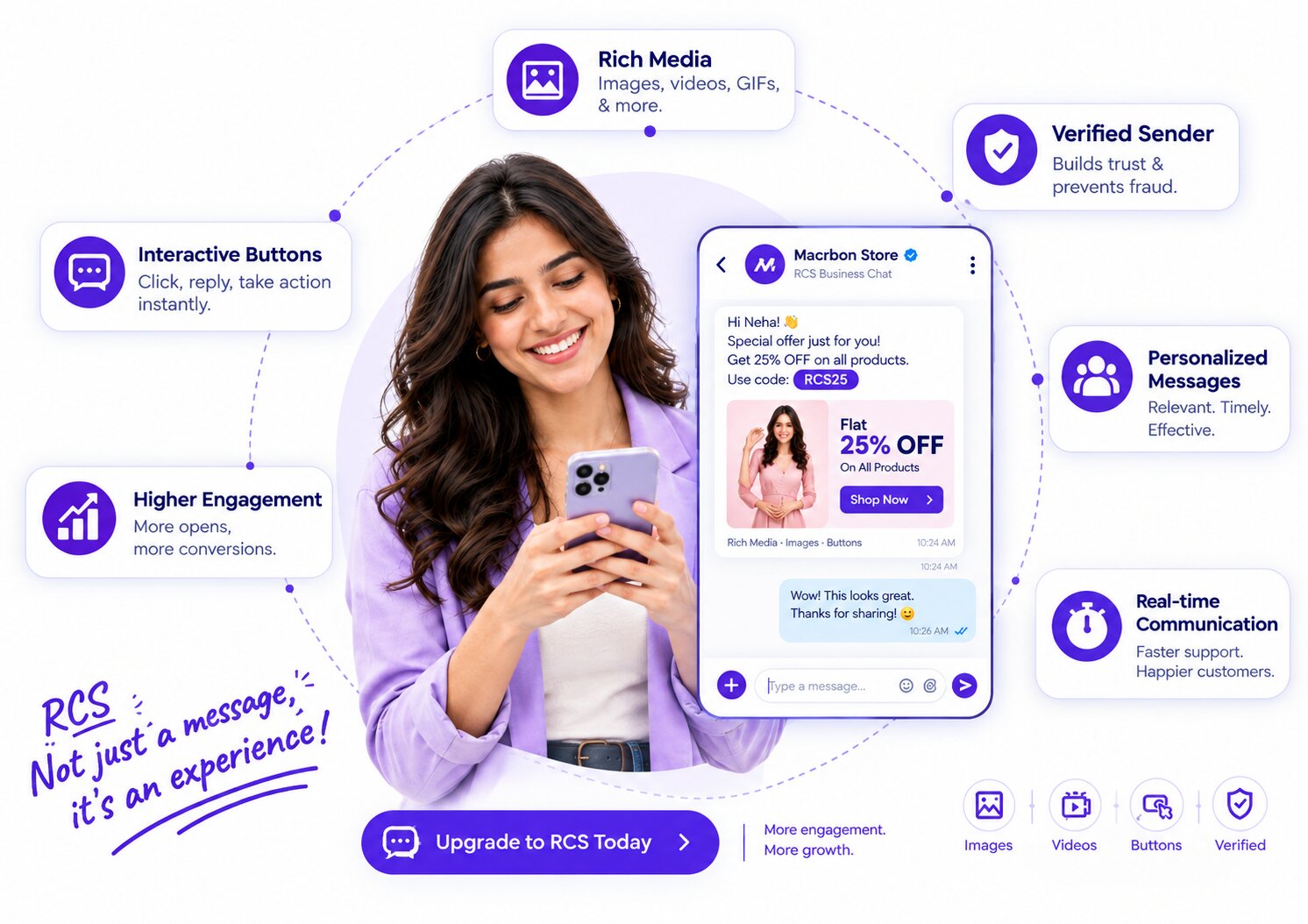
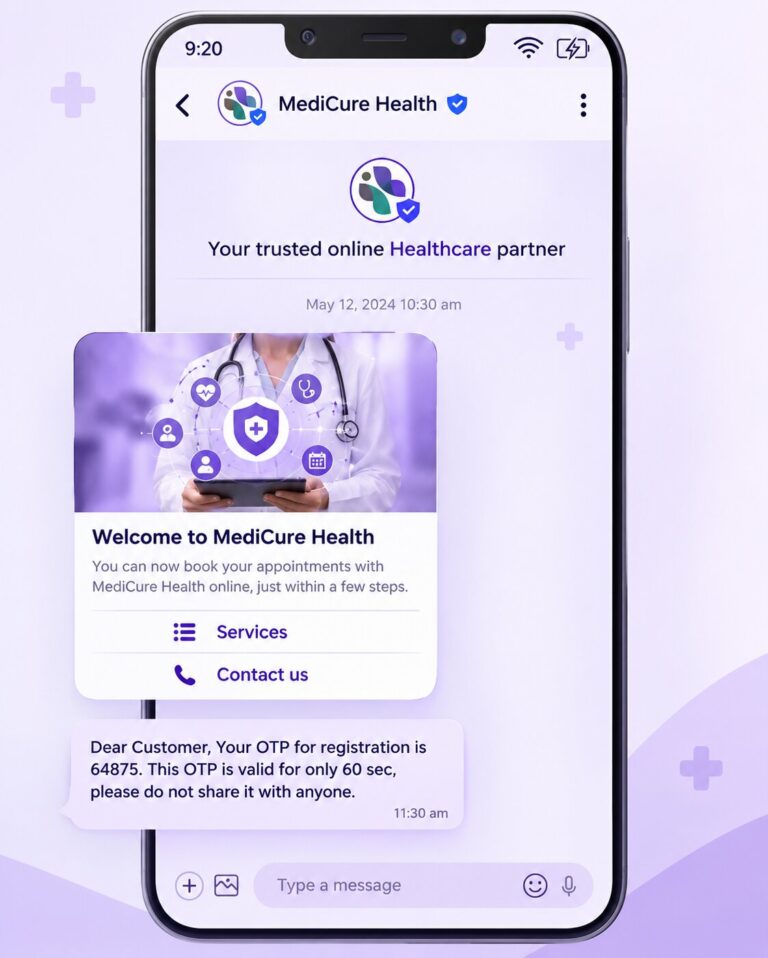
Transform customer interactions with rich, interactive, and branded RCS messaging experiences that capture attention and drive engagement..
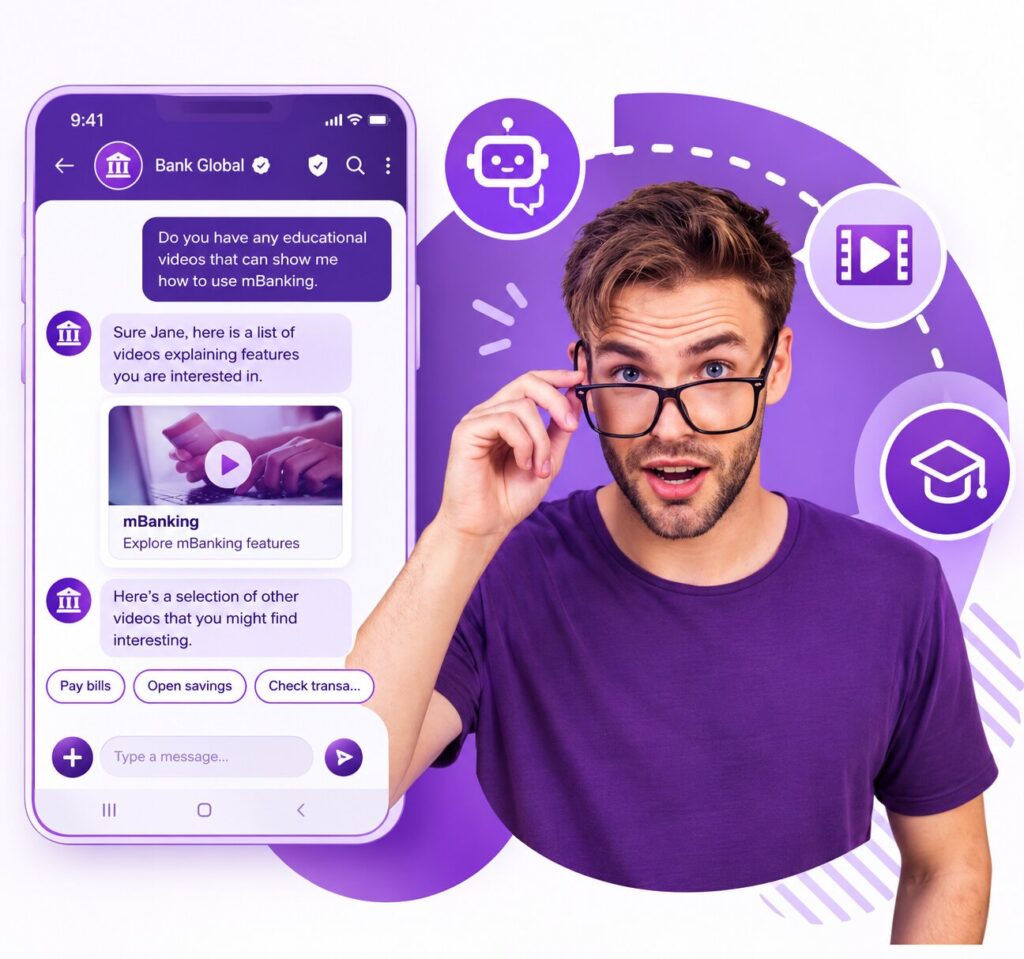
Share images, videos, carousels, and interactive buttons.
Build trust with branded sender profiles and verified business messaging.
Create meaningful conversations with suggested replies and actionable buttons.
Capture attention, encourage responses, and turn customer interactions into business opportunities.
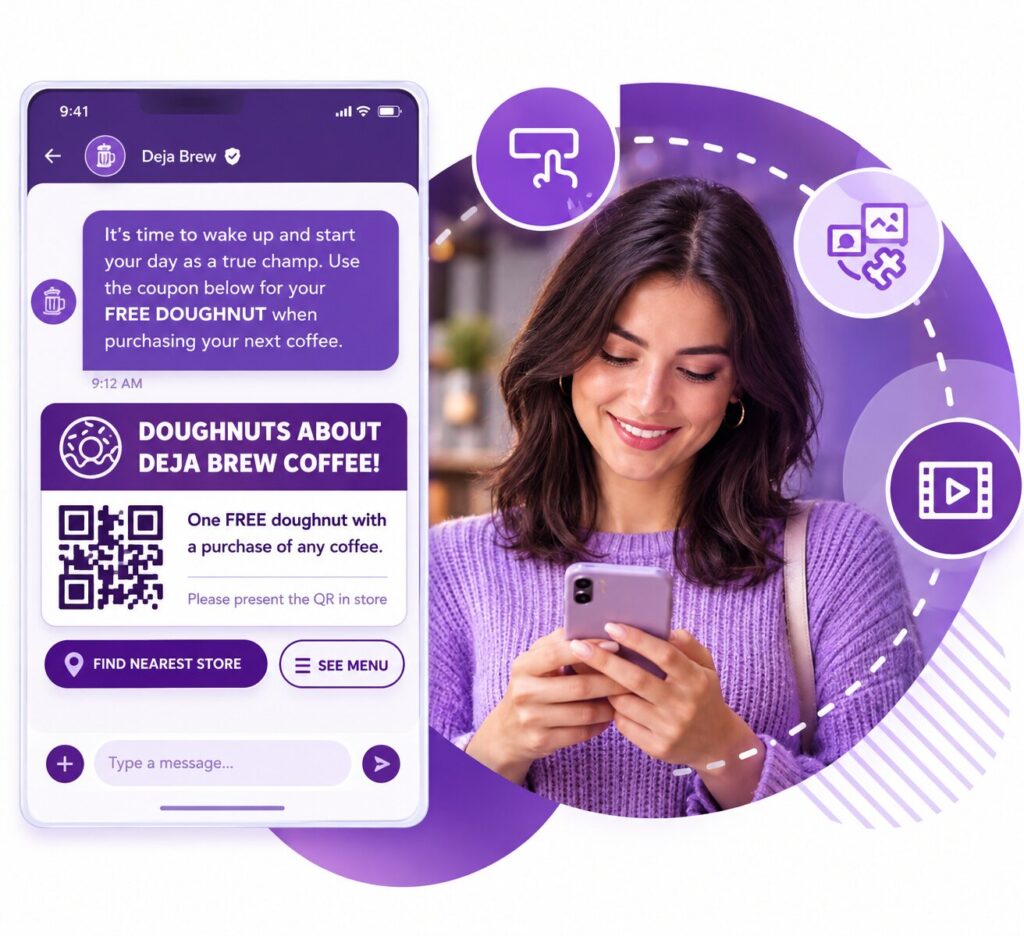
Transform the online shopping experience with RCS Business Messaging.
Showcase products with rich media, promote exclusive offers, recover abandoned carts, and send real-time order updates through engaging, interactive messages. Drive higher engagement, encourage faster purchase decisions, and turn customer conversations into conversions with smarter messaging.
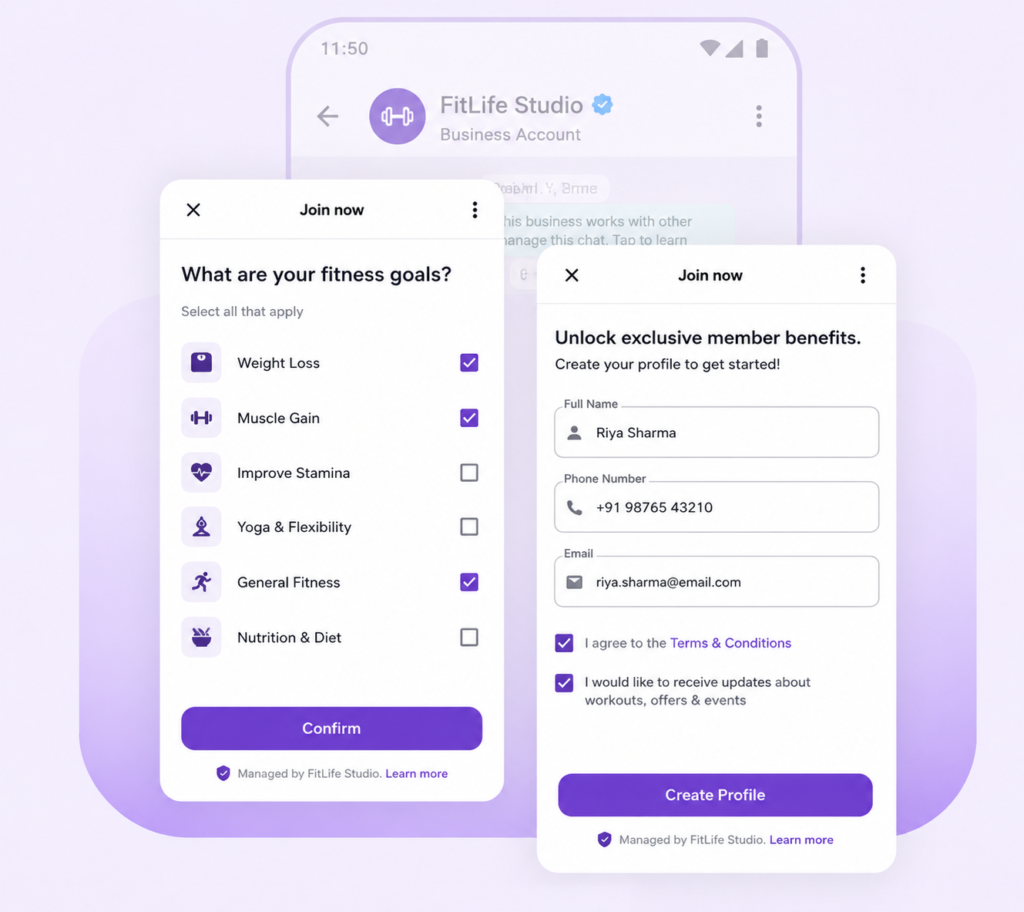
Capture leads and collect valuable customer information—directly within RCS.
Make data collection simple and conversational with RCS Forms. From lead generation and customer feedback to surveys and user insights, gather the information you need without taking customers away from WhatsApp. Ask. Capture. Understand. Convert—all within RCS.
RCS Messaging for Healthcare.
empowers hospitals, clinics, and healthcare providers to deliver rich, interactive, and branded communications that enhance patient engagement, build trust, and streamline healthcare interactions. From appointment reminders and follow-up notifications to health updates and interactive patient communication, RCS helps healthcare providers deliver a more connected and convenient patient experience.
Mcarbon empowers businesses with an all-in-one WhatsApp Marketing Platform to broadcast and automate messages, run Click-to-WhatsApp Ads, build AI-powered chatbots, showcase product catalogues, enable multi-agent live chat support, collect payments directly on WhatsApp, and much more.
Turn WhatsApp conversations into meaningful engagement, leads, and sales with Mcarbon.
RCS stands for Rich Communication Services, a protocol used for a better P2P messaging experience and richer A2P business messaging. RCS messages, like SMS messages, are delivered as texts sent directly to the native Messages app on your iPhone or Android device. You may see other providers mention A2P RCS as “RCS Business Messaging”, abbreviated to RBM, but it’s all the same channel and technology.
Android Devices – RCS is supported on most Android devices through the Google Messages app and by most major mobile carriers. This means most Android users can access these enhanced messaging features.
iOS Devices – As of iOS 18, Apple supports RCS. However, support can vary based on country and carrier. Here are key points to remember:
RCS between people (P2P) is different from RCS Business Messages (A2P). Just because your device can send RCS messages to others doesn’t mean it will receive RCS Business Messages.
Device support also depends on both Apple and your mobile carrier.
How to Check RCS Business Message Support on iOS
To see if your iPhone can receive RCS Business Messages:
Open the Settings app.
Navigate to Apps > Messages > RCS Messaging.
Ensure the option for RCS Business Messages is visible and toggled on.
If you do not see the menu for RCS Messaging, or the toggle for RCS Business Messages, then your carrier has disabled RCS Business Messages on iOS.
There is no support for group messaging with an RCS Sender at this time.
Please see below for some of the common RCS failures and recommended solutions.
Recommendation
ERROR: 21703
The Messaging Service does not have a phone number available to send a message.
Make sure your Messaging Service has a registered RCS Sender added to it and a compliant SMS capable Sender for the destination country you’re sending to.
ERROR: 21704
The Messaging Service contains no senders. A Messaging Service requires at least one phone number, Alphanumeric Sender ID or short code to send messages.
Add at least one phone number or short code to your Messaging Service, or enable Alphanumeric Sender ID.
ERROR: 30036
The message has spent more than the specified amount of time in Twilio’s system. This can be due to a long time spent in the queue due to a combination of your messaging rate limits, the number of messages submitted in rapid succession, and the amount of time you have allotted via the ValidityPeriod setting
in your messaging service or on the message itself.
You can retry the message with a longer validity period and avoid sending very large batches of messages at a rate that far exceeds your messaging rate limits.
ERROR: 30046
The recipient’s device did not confirm message delivery to the provider or carrier. This can happen if the recipient’s device was switched off, out of coverage, didn’t have an internet connection or if the provider or carrier attempted delivery but the device was unable to confirm receipt.
Make sure the recipient’s device can receive messages using this channel and retry the message at a later time.
ERROR: 63001
Channel could not authenticate the request. Please see Channel specific error message for more information
Contact Support for additional guidance.
ERROR: 63035
This operation is blocked because the RCS agent has not launched, the recipient has not accepted the invitation to become a tester, or the RCS sender only works in certain regions.
Make sure you have completed the RCS onboarding process and confirmed that you are registered in the destination country.
ERROR 63036
The specified phone number cannot be reached by RBM at this time.
Check that the device is switched on and that RCS is enabled.